
Ways to Revive Stale SEO on Sitebuilder
Jon Elliget • February 25, 2026
Stale SEO occurs when search engines perceive your website as outdated or inactive, leading to a significant drop in organic rankings. This happens when you stop publishing blog posts, neglect refreshing old content, or ignore technical maintenance. Regularly updating your Sitebuilder content ensures your business remains visible to local Melbourne customers.
Why does SEO go stale over time?
Search engines like Google prioritize 'freshness' as a primary ranking signal. When you first launch a website with Jon Web Design, it is highly optimized and technically sound. However, the internet is dynamic. As competitors publish new information and search trends evolve, a site that remains static for months or years begins to lose its relevance. This phenomenon, known as content decay, signals to algorithms that your business may no longer be active or that your information is potentially obsolete.
Stale SEO isn't just about search engines; it’s about user trust. When a visitor lands on a website where the latest news is from three years ago, they immediately question the reliability of the business. From a technical perspective, 'stale' also refers to the accumulation of broken links, outdated meta tags, and images that lack modern optimization. In the competitive landscape of SEO, maintaining a consistent pulse on your site is the difference between page one and page ten.
Does a lack of blog posts hurt your rankings?
Yes, a stagnant blog is one of the fastest ways to let your SEO go stale. Each new blog post is a fresh opportunity to rank for 'long-tail' keywords—specific phrases that your potential customers are searching for. Without a consistent publishing schedule, you miss out on capturing new search intent and building the internal link architecture that helps search engines understand your site structure.
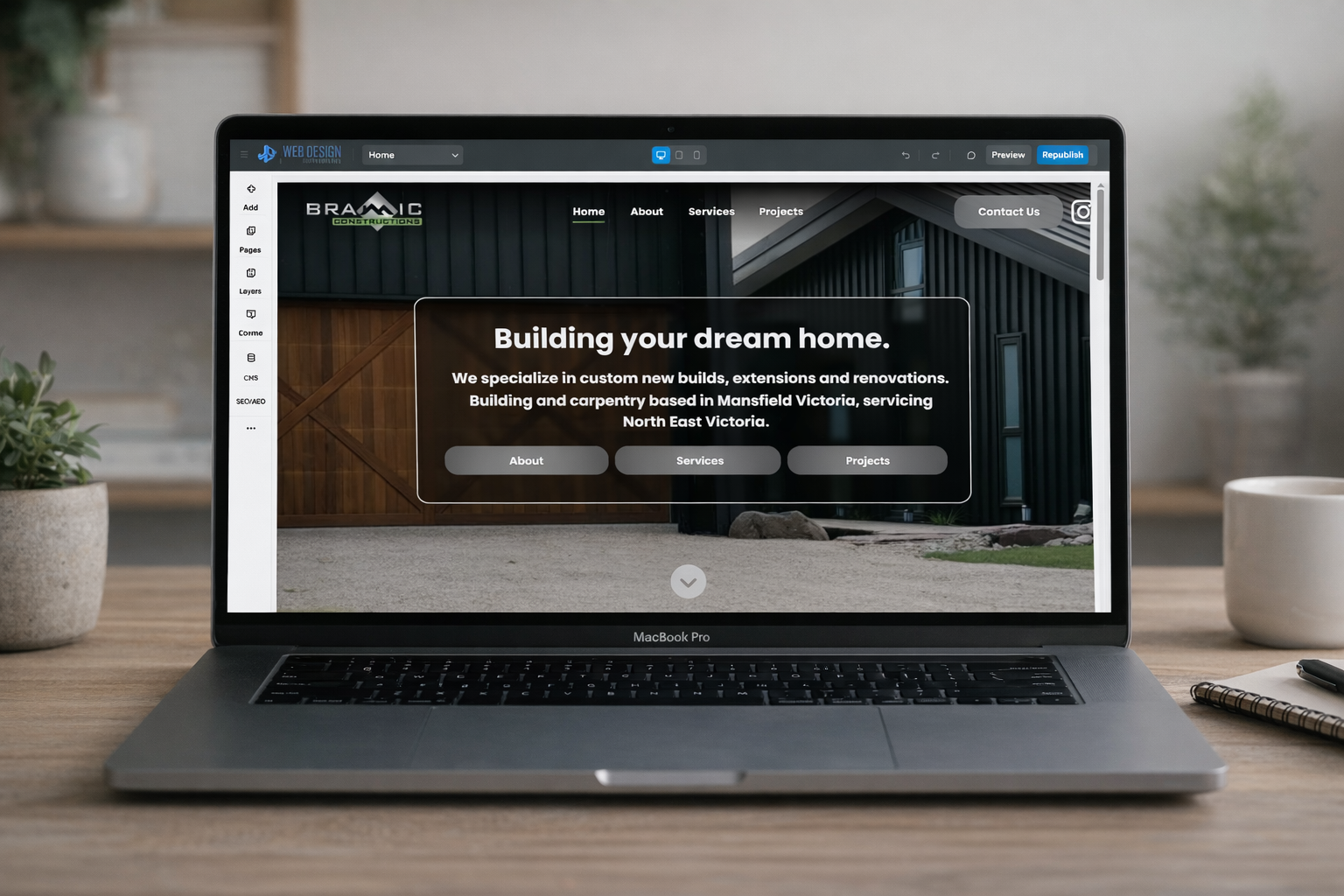
By using the Sitebuilder Editor, you have the tools to create high-quality content that keeps your site relevant. If you aren't sure where to begin, you can always Login to Sitebuilder and navigate to the 'Blog' section to start drafting. A blog doesn't just provide information; it creates a web of internal links that strengthens your authority. For example, linking a new post back to your main services page tells Google that your service page is a high-priority destination.
3 Simple ways to improve local SEO today
- Update Your NAP Data: Ensure your
Name,
Address, and
Phone Number are identical across your website and Google Business Profile.
- Add Local Keywords or Geo Pages : Include suburb names within your headings and image alt text. Local landing Geo pages show you operate in areas.
- Request New Reviews : Encourage customers to leave reviews that mention your specific services and location.
How to refresh content within the Sitebuilder Editor?
Refreshing content doesn't always mean writing a brand-new page. Often, the best way to combat stale SEO is to revisit existing high-performing pages and make them better. Open your Sitebuilder Editor and look for pages that haven't been touched in six months. Check the statistics in your dashboard to see which pages are losing traffic and target those first.
Start by revising your meta titles and descriptions to include keywords and infomation that might be missing.
If you have images on the page, ensure they have descriptive alt text that includes your primary keywords. If you need more technical guidance on navigating these settings,
Book in a Support Session for tutorials tailored for your websites needs.
Why your 'Service' or 'Product' pages need frequent updates
Many business owners forget their content once it is set up. However, for SEO, this is a critical area for refresh and refinement. If you’ve changed your opening hours or added a new service area product, this page must reflect that immediately. Beyond just the text, ensure your pages have clear call to actions. Not having a clear call to action on each page not only hurts your conversion rate but can also increase your bounce rate, which indirectly affects your SEO standing.
If you find yourself struggling with these updates, don't hesitate to
Contact Me for a quick training session or technical support in creating some structure for your content.
Essential SEO maintenance checklist for Online Businesses
To prevent your site from falling into the 'stale' trap, follow this quarterly maintenance checklist designed for the Sitebuilder platform:
- Link Audit : Click through all internal and external links to ensure they still lead to active pages.
- Keyword Analysis : Check if the keywords you targeted last year are still what people are searching for today.
- Image Optimization : Ensure all thumbnails have relevant alt text for keywords and accessibility.
- Competitor Check : See what other local businesses are doing and ensure your content remains superior.
- Header Review : Ensure your H1 and H2 tags are structured logically and contain your primary keywords naturally.
Can I automate my SEO updates?
While some technical aspects like sitemap generation are handled automatically by the Sitebuilder platform, the 'creative' side of SEO, like writing and refreshing content, requires a human touch. This is why Jon Web Design trains its clients to be self servicing, you know your business best and will be able to provide best quality content. Jon Web Design can help you structure your content to be SEO aligned.
Search engines are becoming increasingly sophisticated at identifying AI-generated fluff, so the best way to stay ahead is to provide genuine, updated value to your readers. Regular maintenance isn't just a chore; it's a strategic investment in your business’s digital longevity.
Summary and Key Takeaways
Maintaining your website's search engine ranking requires consistent effort and a proactive approach to content management from website owners. Stale SEO is the result of neglect, but it is easily reversible with a few dedicated hours in the Sitebuilder Editor each month. By focusing on freshness, local relevance, and technical health, you can ensure your site remains a powerful lead-generation tool.
- Update quarterly : Set a calendar reminder to refresh at least two main pages every three months.
- Blog consistently : Aim for one high-quality post per month to signal activity to Google.
- Focus on Local : Keep your Local-specific keywords and Google Business Profile data updated.
- Monitor Health : Regularly check for broken links or duplicate meta data and optimize images with alt tags.
- Ask for help : Use your included remote support if you get stuck with any editor features.