Sitebuilder’s New Toolbar Update: What It Means for Your Website
Jonathan Elliget • March 22, 2026
If you’ve logged into your website editor recently, you might have noticed things look a little cleaner.

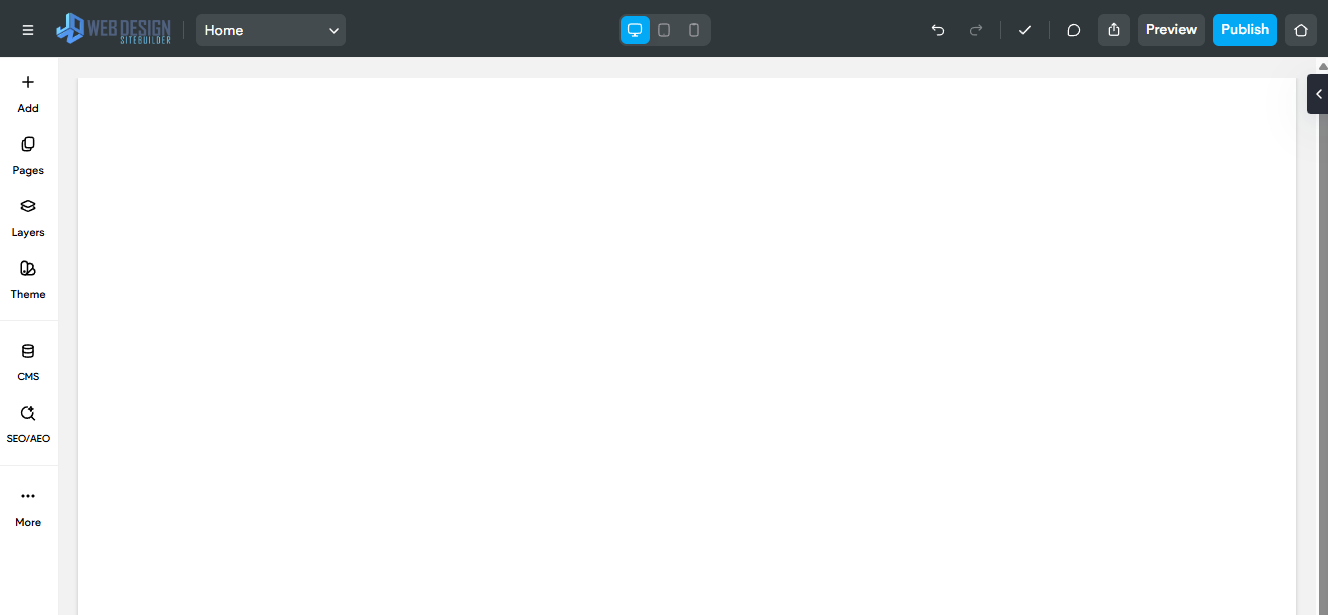
That’s because Sitebuilder has rolled out a redesigned top toolbar, focused on making it faster and easier to manage your website.
But what does that actually mean for you as a business owner?
Let’s break it down 👇
A Cleaner, Simpler Editing Experience
The biggest change is visual, but it’s not just for looks.
Sitebuilder has reorganised the top toolbar so the most important tools are easier to find and use. Instead of hunting around for settings, everything is more streamlined and logically grouped.
This update is part of a broader push to make building and managing websites faster and more intuitive.
What this means for you:
- Less time figuring out where things are
- Faster edits and updates
- A smoother experience overall
Faster Access to Key Actions
The top toolbar is where all your important actions live, things like:
- Switching between pages
- Previewing your site on mobile or desktop
- Saving changes
- Accessing site settings and tools
With the redesign, these actions are now easier to access and more clearly organised.
Why that matters:
When updates are being made, it reduces friction, which means quicker turnaround times and fewer mistakes.
The New CMS Menu

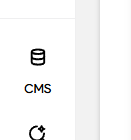
Another important update is the rename and restructure of the
Content Library, which is now called the
CMS.
This change isn’t just cosmetic, it better reflects what the feature actually does. The CMS (Content Management System) is where dynamic content lives, like:
- Collections (services, team members, locations, etc.)
- Structured content used across your site
Renaming it to “CMS” makes it clearer that this is the central place for managing all of your website’s content in a more structured, scalable way.
The New SEO / AEO Menu

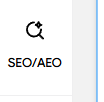
Sitebuilder has also introduced an updated SEO / AEO menu, bringing everything related to your website’s visibility into one place.
You might already be familiar with SEO (Search Engine Optimisation), but AEO, Answer Engine Optimisation, is a newer concept.
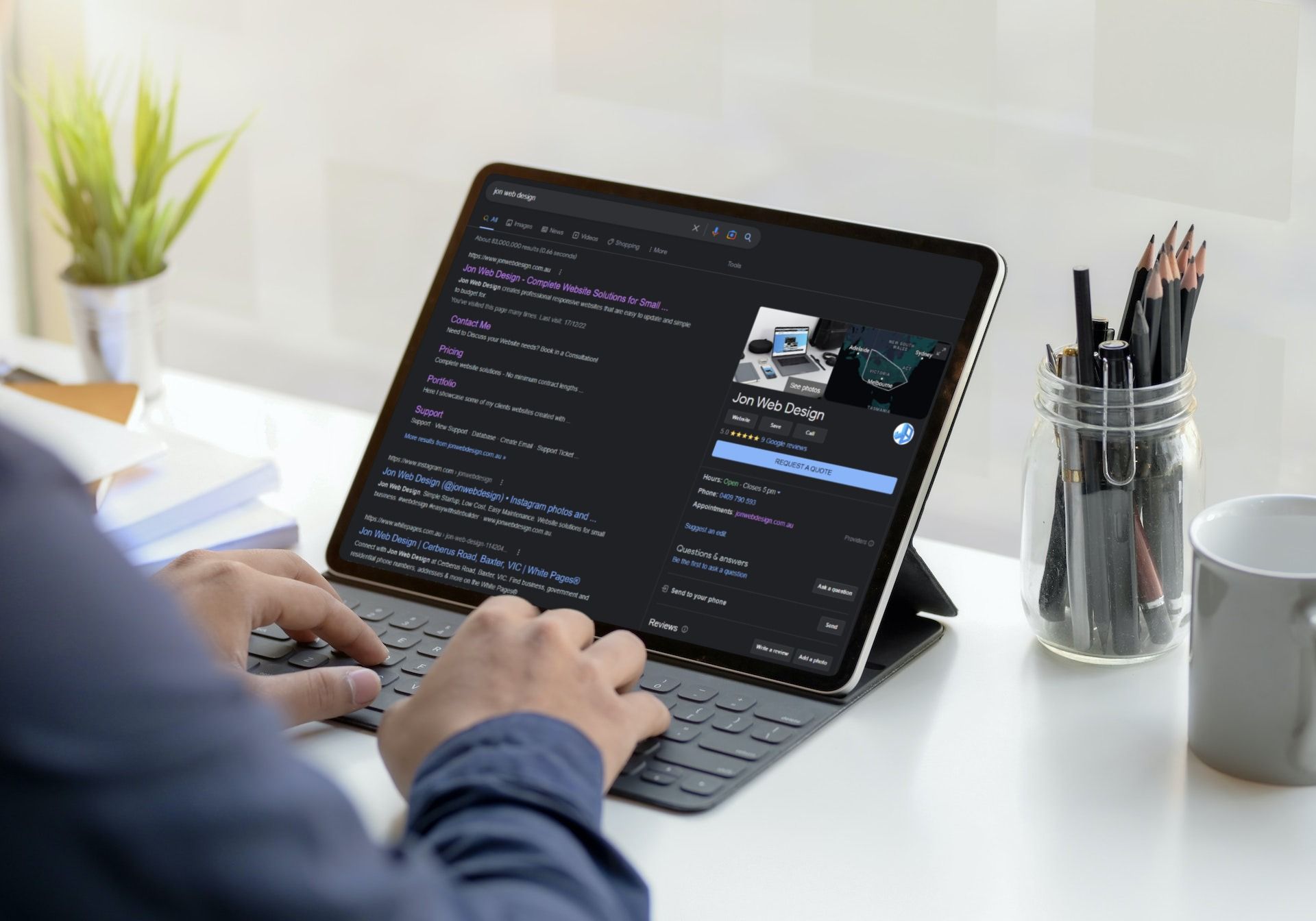
It focuses on helping your website appear not just in traditional Google search results, but also in:
- AI-generated answers
- Voice search results
- Featured snippets and quick answers
By combining SEO and AEO into a single menu, Sitebuilder is making it easier to manage how your website shows up across both search engines and AI-driven platforms.
What You Need to Do (Spoiler: Nothing)
Good news, this update is automatic.
You don’t need to learn anything new or change how your website works. Everything functions the same way, just with a cleaner and more user-friendly layout.
If anything, it should feel easier.
Need Help With Your Website?
If you ever feel stuck, want something updated, or just want to improve your site, that’s what im here for.
At Jon Web Design, I handle everything from small tweaks to full redesigns, so you can focus on running your business.